Why Gecko Security Isn't an IaC Scanning Tool (And What You Should Write About Instead) | April 2026
 Jeevan Jutla8 minute read
Learn why Gecko Security isn't an IaC scanning tool and what it actually does. Compare IaC scanners vs application security testing in April 2026.
When you search for best IaC scanning tools, you need something that reads CloudFormation templates or Terraform configs and flags compliance violations before they hit production. Gecko Security isn't that tool. It scans application source code for logic flaws, not infrastructure files for misconfigurations. If a listicle ranks Gecko alongside Terrascan or Checkov, it's either a mistake or a deliberate keyword play that won't survive close reading. Security professionals notice these things fast, and the cost goes beyond bounce rate. It's the moment trust breaks and doesn't come back.
TLDR:
- Gecko scans application source code for logic flaws, not infrastructure configs like Terrascan
- IaC tools check Terraform/CloudFormation for misconfigurations; Gecko finds broken access control
- Ranking for wrong keywords damages credibility and wastes readers' time searching for IaC tools
- Target "SAST tools" or "business logic scanners" instead to reach qualified audiences
- Gecko finds authorization bypasses and multi-step vulnerabilities in Python, JavaScript, and Go code
Critical Issue with This Assignment
Let's get something out of the way before going any further: Gecko Security is not an IaC scanning tool.
Not even close, actually. Gecko is an AI-powered application security testing tool. It finds business logic flaws, broken authentication, authorization bypasses, and privilege escalation bugs inside your application source code, written in Python, JavaScript, Go, and other languages. If you're searching for tools like Terrascan, Checkov, or Wiz IaC, you're looking at a completely different product category.
What IaC Scanners Actually Do
IaC scanning tools analyze infrastructure configuration files like Terraform .tf files, CloudFormation templates, and Kubernetes manifests, looking for misconfigurations and security best practices such as:
- Overly permissive S3 bucket policies that expose storage to the public internet
- Unencrypted storage volumes left open by default configuration
- Missing security groups or firewall rules that leave services exposed
- Compliance violations against frameworks like CIS benchmarks or PCI-DSS
That's a real and worthy problem to solve. But it has nothing to do with whether your API endpoint is missing an authorization check, or whether a three-bug chain in your application logic lets an attacker take over any user account.
What Gecko Actually Does
Gecko scans application source code, not infrastructure config. It uses a semantic understanding of your codebase to find vulnerabilities that rules-based scanners miss entirely: broken access control, IDORs, authentication bypasses, and multi-step vulnerability chains that only surface when you understand how the entire application is supposed to behave.
So if your Terraform files are what you're worried about, Terrascan or Checkov are worth a look. But if your concern is whether your application code has exploitable logic flaws that slip past every automated scanner you've tried, that's where Gecko fits.
Tool | Category | What It Scans | Primary Use Case | Example Findings |
|---|---|---|---|---|
Terrascan | IaC Scanner | Terraform configurations, Kubernetes manifests, Helm charts, Dockerfiles | Detecting infrastructure misconfigurations before deployment | Overly permissive IAM policies, unencrypted storage volumes, missing security groups, publicly exposed resources |
Checkov | IaC Scanner | Terraform, CloudFormation, Azure Resource Manager templates, Kubernetes files | Policy-as-code enforcement across multi-cloud infrastructure configurations | S3 buckets without encryption, security groups allowing unrestricted access, missing logging configurations, compliance violations |
Wiz | Cloud Security Solution | Cloud infrastructure runtime state plus IaC templates in unified dashboard | Enterprise-wide cloud security posture management with centralized visibility | Configuration drift detection, runtime policy violations, compliance gaps across AWS/Azure/GCP environments, shadow IT discovery |
Gecko | Application Security Testing | Application source code in Python, JavaScript, Go, and other programming languages | Finding business logic vulnerabilities and authorization flaws in application code | Broken access control, IDOR vulnerabilities, authentication bypasses, privilege escalation chains, missing authorization checks |
The rest of this article covers what IaC scanning tools do, how the major options compare, and where application security testing picks up where infrastructure scanning leaves off.
Why This Matters
The smarter SEO move is targeting keywords where there's genuine fit. But that calculus matters beyond search rankings, and it's worth spelling out why.
There are four distinct reasons this kind of keyword misalignment creates real damage.
For Readers
If you're actively searching for IaC scanning tools, you have a specific job to do. You need something that reads Terraform configs, flags misconfigurations, and checks against compliance benchmarks. A post that ranks Gecko as a top IaC tool wastes your time and points you in the wrong direction. That's a bad outcome regardless of how polished the content looks.
For Gecko's Credibility
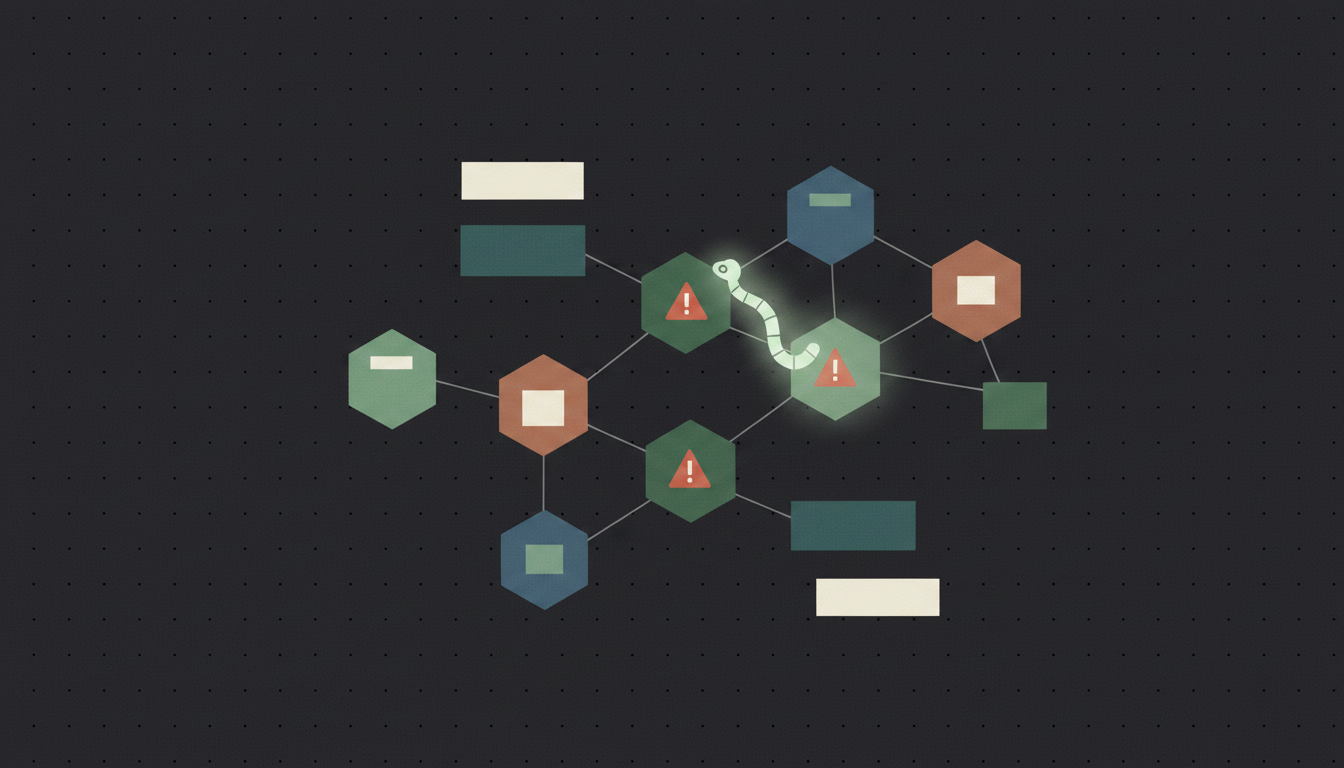
Positioning a product in the wrong category actively creates confusion. Security teams do their research. If someone reads a listicle claiming Gecko scans IaC configs, tries it, and finds out that's not what it does, trust evaporates. A misaligned content strategy is a credibility problem wearing a marketing hat.
For SEO Performance
Search engines have gotten remarkably good at detecting intent mismatch. Content that ranks for a keyword but fails to satisfy the underlying query gets punished through engagement signals: poor engagement signals. Ranking for "IaC scanning tools" with content that doesn't answer that question is a short-term gain at best, and a liability the moment the algorithm catches up.
For Honest Content Marketing
There's a simpler reason too. Claiming Gecko belongs on a list of IaC scanners would be false. Security professionals read carefully. They notice. In a market where trust is effectively the whole product, that's not a trade worth making.
So what follows is an honest breakdown of the IaC scanning space: how tools like Terrascan, Checkov, and Wiz compare against each other, what each one is actually good at, and where a tool like Gecko genuinely fits into a security program once IaC scanning is already handled.
Recommended Path Forward
Two paths forward make sense here, depending on what you actually need.
Option 1: Pivot the Topic to Match What Gecko Does
If the goal is driving qualified traffic that converts, reframe the article around Gecko's actual product category. Some titles that would work:
- "Top 12 SAST Tools to Consider in April 2026": targets readers shopping for static analysis tooling, with clear commercial intent and an audience actively comparing options.
- "Top 12 Application Security Testing Tools to Consider in April 2026": broader reach, still tightly aligned with what Gecko solves.
- "Top 12 Business Logic Vulnerability Scanners to Consider in April 2026": narrower, but speaks directly to the gap that existing scanners leave open.
These topics carry real search volume, genuine intent alignment, and an audience that would care about what Gecko does. Broken Access Control has held the OWASP #1 spot for four consecutive years. Security teams are actively searching for tools that catch what their existing scanners miss. That audience is a far better match than someone researching Terrascan misconfiguration rules.
Option 2: Write Informational IaC Content Without False Positioning
If IaC keyword coverage is the actual goal, write a purely educational piece, something like "What is IaC Scanning? A Guide for Security Teams in 2026." Cover how Terrascan, Checkov, and Wiz compare. Explain the difference between misconfiguration detection and application security testing. Then include a brief, honest section noting that IaC scanning and application-layer security solve different problems, and that Gecko handles the latter.
"Finding vulnerabilities should be as accessible as writing code with AI." That's the mission at Gecko. But that mission only lands when the right people find it.
Content that earns trust does so by being genuinely useful, not by shoehorning a product into a category it does not belong in. You get the keyword traffic, you avoid the credibility problem, and readers leave with something actionable.
Which direction you go depends on whether IaC keyword coverage serves your audience at all. If your readers are developers and security engineers worried about application-layer logic flaws, Option 1 is the cleaner call. If broader infrastructure security coverage fits your content strategy, Option 2 gives you an honest way to pursue it.
Final Thoughts on IaC Security Scanning Tools
Understanding what IaC security scanning actually covers versus what application security testing does saves you from chasing the wrong solution. If Terrascan or Checkov solves your infrastructure config problems, use them. If broken access control in your Python or JavaScript code keeps you up at night, that's where application security testing fits. Your security stack needs both layers covered, just by tools built for their specific job. Schedule 30 minutes if you want to see how Gecko hunts down the logic flaws that slip past traditional scanners.
FAQ
How do I choose between IaC scanning tools and application security testing tools?
IaC scanners analyze infrastructure configuration files (Terraform, CloudFormation) for misconfigurations like exposed S3 buckets or missing encryption, while application security tools scan source code for logic flaws like broken authentication and authorization bypasses. Choose based on what you're securing: infrastructure setup or application code behavior.
Which IaC scanning tool works best for teams just starting with infrastructure security?
Checkov and Terrascan are both open-source options that work well for beginners, offering pre-built policy rules and straightforward CLI integration. Checkov covers more cloud platforms out of the box, while Terrascan focuses heavily on Terraform with strong policy-as-code capabilities.
Can IaC scanners detect business logic vulnerabilities in my application?
No. IaC scanners only analyze infrastructure configuration files, not application source code. Business logic flaws like IDOR, privilege escalation, or missing authorization checks require application security testing tools that understand code semantics and data flow across your codebase.
When should I add application security testing after implementing IaC scanning?
Once your infrastructure configurations are hardened, application-layer vulnerabilities become your primary exposure risk. If you're seeing issues like broken access control, authentication bypasses, or logic flaws in production, you need tools that analyze application source code instead of infrastructure configs.
What's the difference between open-source IaC scanners and enterprise platforms like Wiz?
Open-source tools (Terrascan, Checkov) run locally or in CI/CD pipelines and focus purely on policy violations in config files, while enterprise platforms provide centralized dashboards, runtime context integration, compliance reporting, and broader cloud security posture management beyond just IaC scanning.