SSRF in File Upload Processing: Complete Prevention Guide (April 2026)
 Artemiy Malyshau10 minute read
Learn how SSRF in file upload processing bypasses security through ImageMagick and PDF renderers. Complete prevention guide for April 2026.
Your upload handler passes every security scan, validates file types, and restricts extensions. But SSRF in file upload processing doesn't care about any of that because the attack happens when ImageMagick or your PDF renderer resolves an external reference you never explicitly called. One embedded URL pointing to 169.254.169.254 and your IAM credentials are gone. This is a semantic problem where intent diverged from implementation, and catching it requires understanding what your code is supposed to do—beyond what it does.
TLDR:
- SSRF in file uploads lets attackers access internal networks by hiding malicious URLs in SVG, PDF, or HTML files
- Cloud metadata services at 169.254.169.254 expose IAM credentials when file processors fetch attacker-controlled URLs
- Traditional SAST misses library-mediated fetches where no explicit HTTP call appears in your application code
- Gecko Security detects these flaws by reasoning about trust boundaries across your upload workflow—beyond tracking data flow
How SSRF Exploits File Upload Functionality
File upload features seem straightforward: user picks a file, server stores it. But many applications go further, fetching remote content by URL, processing linked images, or pulling documents from external sources. That's where things break down.
When a server fetches a URL on behalf of a user, an attacker can supply an internal target instead of a legitimate one. The server dutifully makes the request, bypassing any network perimeter controls. File processing libraries like ImageMagick, PDF renderers, and document parsers all support URL-based resource loading, and they do so server-side. The attacker never touches the internal network directly.
File upload vulnerabilities ranked among the most common critical web vulnerabilities identified in 2026. Paired with SSRF, they become a direct path to internal systems, metadata services, and sensitive infrastructure that should never be reachable from the outside.
Attack Vectors in Image and Document Processing
SVG files are a common offender. Because SVG is XML-based, it can embed external resource requests directly in markup. An attacker uploads a valid-looking SVG containing an <image href="http://169.254.169.254/latest/meta-data/"> tag. The image renderer fetches it server-side, and your file processor ends up making authenticated requests to AWS metadata endpoints.
HTML uploads follow the same pattern. A file that passes MIME-type checks can still contain iframes or fetch calls that fire when a headless browser processes a preview. PDF generators are worse, since many support JavaScript execution or external URI references by default.
ImageMagick deserves its own mention. Its policy.xml configuration controls which URL schemes are permitted during processing. Misconfigured instances allow http://, ftp://, and even dict:// or gopher:// schemes, each of which can reach internal services that HTTP alone cannot.
The shared thread across all of these: the malicious payload hides inside a legitimate file format, sailing past extension checks and MIME validation without issue.
File Type | SSRF Attack Mechanism | Library/Processor at Risk | Risk Level |
|---|---|---|---|
SVG | External resource references via <image>, <use>, or <script> tags pointing to internal URLs. XML-based structure allows embedding arbitrary HTTP requests that execute during server-side processing. | ImageMagick, librsvg, Inkscape, browser-based renderers | Critical - bypasses most file validation since SVG is valid XML |
JavaScript execution, external URI references, and embedded objects that trigger fetches during preview generation. PDF specifications support remote resource loading by default. | wkhtmltopdf, Puppeteer, LibreOffice, Apache PDFBox | Critical - supports multiple attack vectors including JS execution | |
HTML | Iframes, fetch calls, embedded scripts, and meta refresh tags that fire when headless browsers render previews. Can chain with open redirects to bypass initial validation. | Headless Chrome, Puppeteer, Selenium, server-side template frameworks | High - requires server-side processing but extremely flexible |
Office Documents (DOCX, XLSX) | External entity references, embedded objects, and template injection that resolve remote resources during conversion or preview. XML-based formats support external DTD and schema references. | LibreOffice, Apache POI, Microsoft Office Online, document converters | High - commonly processed server-side for preview generation |
Markdown | Image references and link destinations that resolve during HTML conversion. Processors may auto-fetch remote images to generate previews or validate links. | Pandoc, markdown-it, CommonMark parsers with auto-linking | Medium - depends on processor configuration and preview features |
Cloud Metadata Service Exploitation
Cloud environments make SSRF in file uploads especially dangerous. Every major provider exposes an Instance Metadata Service (IMDS) on the same link-local IP: 169.254.169.254. Reachable only from within the instance, it hands out IAM role credentials, access tokens, and configuration data to anything that asks. That "anything" includes your file processor.
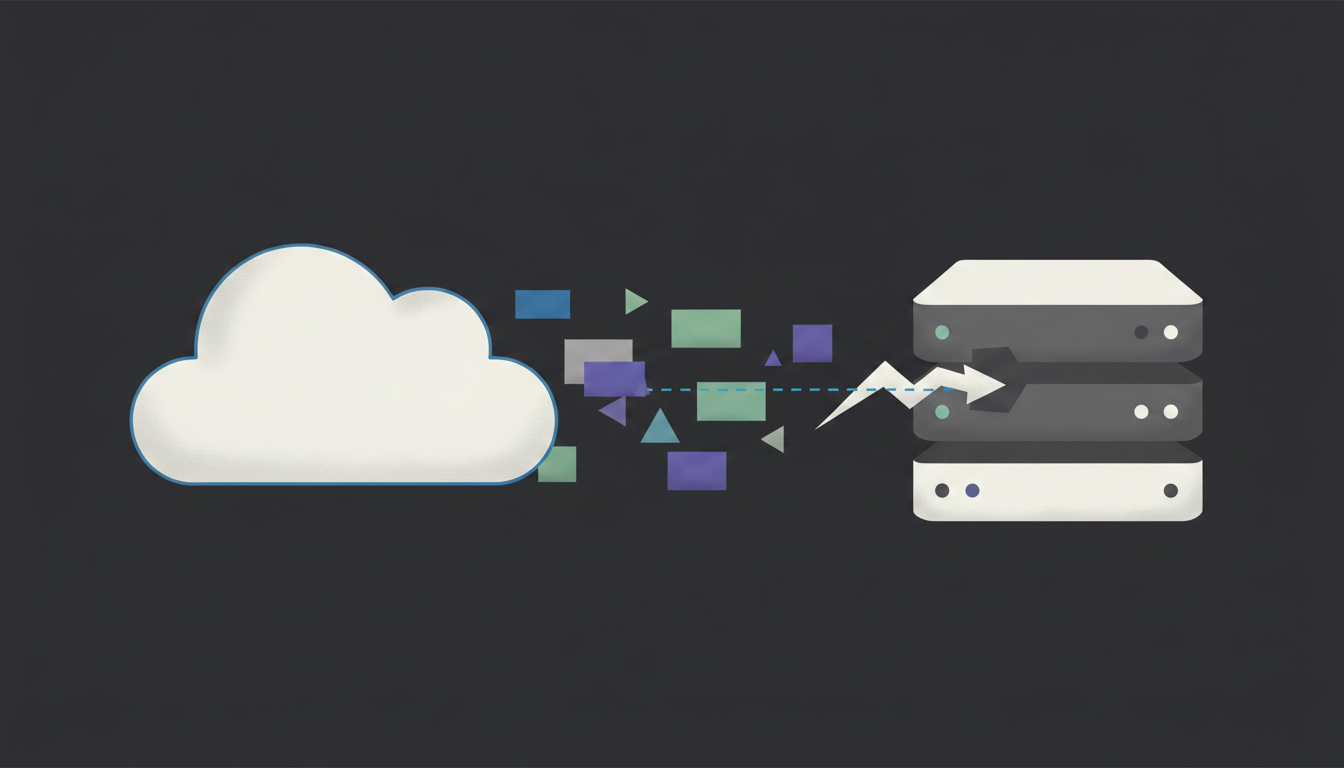
When an attacker tricks your image renderer or PDF generator into fetching http://169.254.169.254/latest/meta-data/iam/security-credentials/, the response contains temporary AWS keys with whatever permissions the EC2 role carries. GCP uses http://metadata.google.internal/computeMetadata/v1/ and Azure uses http://169.254.169.254/metadata/instance. Same idea, different URLs.
The file processor isn't doing anything wrong by its own rules. It fetches URLs. The problem is that from the server's perspective, the metadata endpoint looks like any other internal host.
From a single upload, an attacker can steal credentials, list attached roles, and pivot to S3 buckets, secrets managers, or adjacent services. What started as a file upload flaw becomes full cloud account compromise.
Common Vulnerable File Processing Patterns
Several recurring patterns produce SSRF-prone upload handlers. Recognizing them is half the battle.
url = request.form.get("image_url")
response = requests.get(url)  # No validation, no allowlist
This appears constantly. The application accepts a URL from user input and fetches it directly, often to generate thumbnails or previews.
Multipart Form Handlers with No Network Restrictions
Some parsers auto-resolve href or src attributes during document ingestion. No explicit fetch call exists in application code, so pattern-matching SAST tools never flag it, much like arbitrary file overwrites in upload endpoints. The vulnerability lives in library behavior, not developer code.
Framework Auto-Download Features
Tools like Pillow, LibreOffice, and several PDF libraries accept remote URIs as valid input paths. Pass user input directly to them and the library itself becomes the attack vector.
Traditional SAST catches the obvious requests.get(user_input) case but misses library-mediated fetches entirely. That gap exists because SAST tools track data flow syntactically. They don't model what a downstream library does with a string. Catching these patterns requires understanding trust boundaries across service layers—beyond whether a variable touches a dangerous function.
Detection Through Code Analysis and Testing
Spotting SSRF in file upload code requires tracing input across service boundaries, beyond scanning for dangerous function calls. Start by mapping every upload endpoint and following user-controlled values downstream. Where does the filename go? Does the handler accept a URL parameter alongside the file? Does it pass any field into a library that loads external resources?
Manual code review catches the obvious cases. Automated testing fills the gaps. Tools like Burp Collaborator let you supply out-of-band callback URLs to confirm server-side fetches, while local file inclusion flaws require different detection approaches. If your payload resolves, the endpoint is vulnerable regardless of what it returns to the client.
The harder cases involve library-mediated fetches where no explicit HTTP call appears in application code. Traditional SAST stops short here because it tracks data flow syntactically. It sees a string passed to a library, not what that library does with it across service layers. Catching those patterns means reasoning about trust boundaries and downstream behavior, the kind of semantic analysis that goes beyond what most static tools offer.
When testing manually, target these:
- URL parameters accepted alongside file uploads, especially undocumented ones that bypass frontend validation
- Filename fields passed to renderer or converter libraries, which often trigger implicit fetches
- Preview generation endpoints that process remote content without validating the source
- Webhook or callback URL inputs near upload handlers where server-side resolution occurs
Input Validation and URL Sanitization Techniques
No single validation check holds up on its own. Attackers bypass blocklists through URL encoding, IPv6 notation, DNS rebinding, or decimal IP representations. Defense requires layering.
- Allow only expected URL schemes (
https://) and block everything else by default. This alone eliminates file://, gopher://, and dict:// abuse vectors commonly seen in upload workflows. - Resolve hostnames server-side after parsing, then reject RFC 1918 ranges and link-local IPs like
169.254.169.254before making any request. - Follow and validate every redirect hop—beyond the initial URL—since attackers frequently chain open redirects to reach internal destinations.
- Disable external resource loading in library configurations where possible (
policy.xmlfor ImageMagick,--no-remoteflags for document renderers), and watch for file overwrite vulnerabilities in data processing libraries.
After resolution, re-check the final destination IP. Attackers use DNS rebinding to pass initial validation and redirect to internal targets mid-request. The first check is never enough.
Securing File Processing Workflows
Validation stops known-bad inputs. Architecture limits what happens when something slips through.
Store uploaded files outside the webroot and serve them from a separate, isolated domain. If a malicious file does get processed, it can't directly affect your application's origin or session context.

Network segmentation matters just as much. File processors should run with egress restrictions: outbound connections limited to approved destinations only. No arbitrary internet access, no internal network reachability.
For AWS, enforce IMDSv2 on every instance running file processing workloads. IMDSv2 requires a session-based request with a token header, which most SSRF payloads don't produce, just as proper access controls prevent unauthorized data access. It won't stop everything, but it raises the bar substantially.
Monitor outbound traffic from processing services. Unusual destinations, unexpected DNS resolution patterns, or repeated requests to 169.254.x.x ranges are all signals worth alerting on. Prevention is the goal, but visibility is the safety net.
Detecting Business Logic Flaws in Upload Security with Gecko Security
File upload SSRF is a semantic vulnerability at its core. The code isn't broken in the syntactic sense. It processes files, it fetches resources, it does exactly what it was written to do. The flaw is that intent (fetch user-provided images) diverged from implementation (fetch any URL the server can reach). Pattern-matching tools miss that gap entirely.
Gecko's approach builds a semantic model of how upload handlers should enforce trust boundaries, then reasons about whether they actually do. Where does user input flow? Which downstream libraries receive it? Does any validation occur before network calls happen? These are correctness questions, not data-flow questions, and answering them requires understanding what code is supposed to do versus what it actually does.
For teams dealing with complex upload pipelines across microservices, that kind of reasoning at scale is what Gecko Security delivers to solve business logic vulnerabilities.
Final Thoughts on File Upload Security and SSRF Risk
File processors that fetch remote resources create trust boundary problems that pattern-matching tools miss entirely. Defending against file upload SSRF attacks means validating inputs, restricting network access, and monitoring outbound traffic from processing services. Your upload pipeline might look secure syntactically while still handing attackers a path to internal infrastructure. Want to see where your workflows are vulnerable? Book 30 minutes with our team to review your upload security posture.
FAQ
How does SSRF bypass network security in file upload features?
When your server fetches a URL on behalf of a user during file processing, an attacker can supply an internal target instead of a legitimate one. The server makes the request from inside your network perimeter, reaching metadata services and internal systems that external traffic cannot access directly.
What makes SVG and PDF files particularly risky for SSRF attacks?
SVG files can embed external resource requests directly in XML markup, and many PDF generators support JavaScript execution or external URI references by default. Both trigger server-side fetches during processing without needing malicious executable code, bypassing standard file validation checks.
Why do traditional SAST tools miss library-mediated SSRF vulnerabilities?
SAST tracks data flow syntactically but doesn't model what downstream libraries do with input strings. When ImageMagick or a PDF renderer accepts a user-controlled URL and fetches it, no explicit HTTP call appears in your application code for pattern-matching tools to flag.
Should I block specific IP ranges or allow only approved domains?
Allow only expected URL schemes and approved domains by default, then resolve hostnames server-side and reject RFC 1918 ranges before making requests. Blocklists fail because attackers bypass them through URL encoding, IPv6 notation, and DNS rebinding.
What's the fastest way to test if my upload endpoint is vulnerable?
Supply a callback URL (like Burp Collaborator) in any URL parameter, filename field, or webhook input near your upload handler. If the server resolves your payload, the endpoint makes server-side fetches without proper validation.