Company
How Cal.com Rebuilt AppSec After Going Closed Source
How Cal.com consolidated noisy security tooling into one continuous, context-aware pull request security program with Gecko.
Gecko Security
 Gecko Security11 min read
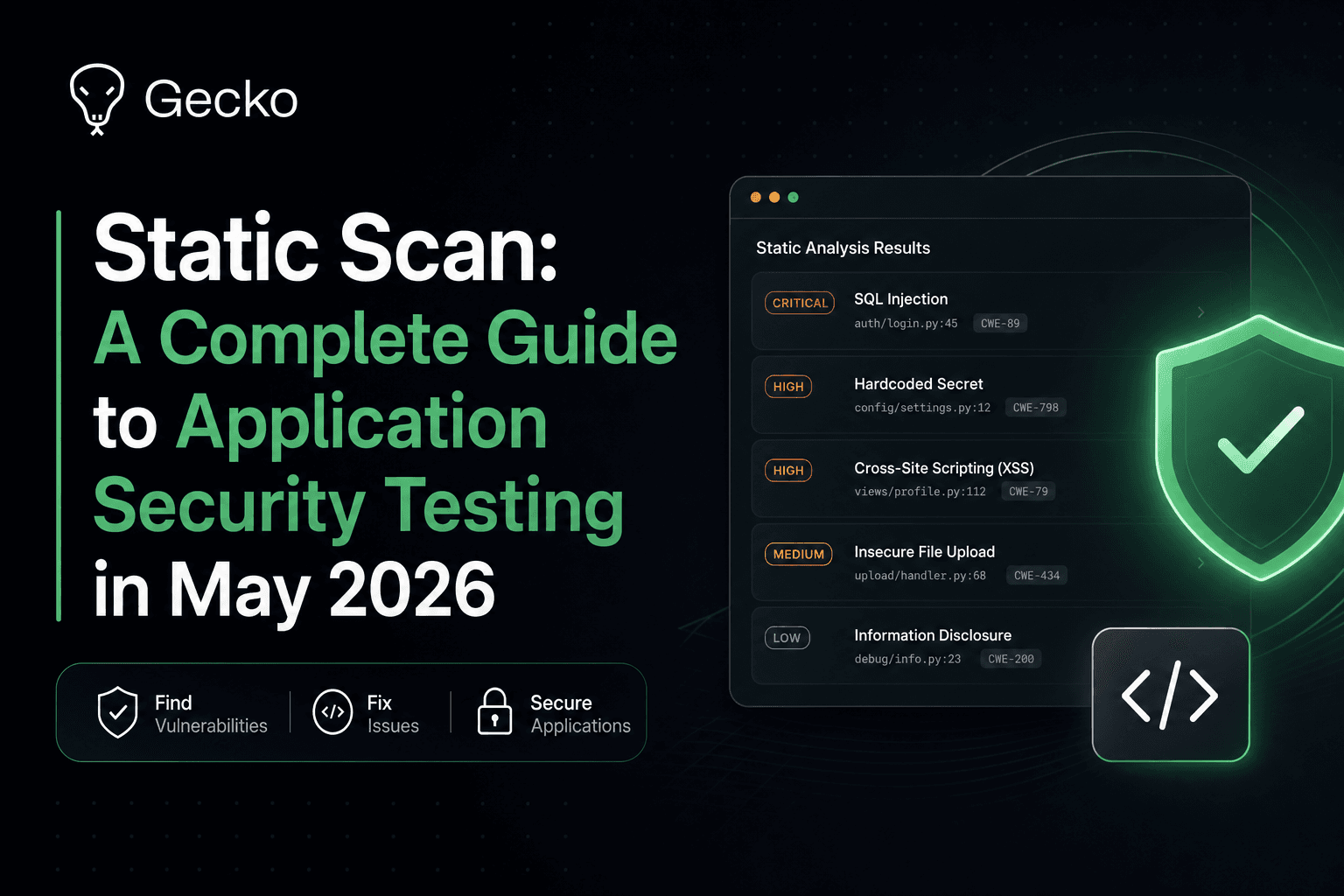
Static scan workflows follow a predictable path: run SAST scan tooling on source code, layer in DAST testing against running applications, add SCA scan coverage for dependencies through Snyk SCA scan or SCA scan tools, then triage everything manually. Whether you use Veracode static scan, static code scan tools like Sonarqube, DAST GitLab integrations, or static scan Python checkers, the output is a list of findings ranked by pattern matches and severity labels. SAST vs DAST comparisons trade early detection against runtime visibility, DAST vs SAST workflows balance false positives with coverage, and SCA scan vs SAST decisions split attention between your code and your supply chain. Tools like Snyk DAST, Veracode DAST scan, static scan online tools, or SCA scan GitHub automation all operate within these constraints. The shared limitation is isolation: a DAST scan vs pentest or static scan example reads code or traffic without knowing your deployment model, so every finding gets the same treatment regardless of whether the path is reachable behind your VPN, WAF, or access controls. You end up asking what is SAST scan used for, what is SAST scan in cyber security, or how accurate is a static emg scan when the real question is whether the tool knows which findings actually matter in your environment. What if the scanner started with that context instead of adding it as an afterthought?
TLDR:
Static analysis, often called a "static scan" or SAST (Static Application Security Testing), analyzes source code, bytecode, or binary files without executing the application.
Here is what a static scan actually checks:
The scanner returns findings before deployment, which changes the cost of remediation. Understanding SAST vs DAST helps teams deploy both methods at the right stage. Fixing a vulnerability in code is far cheaper than patching a live system under pressure.
A static scan analyzes source code, bytecode, or binary files without executing the application. The scanner parses your code into an abstract syntax tree or similar intermediate representation, then applies rules, data flow analysis, and pattern matching to find potential vulnerabilities before a single line runs in production.
The process follows a consistent sequence:
Speed is the core advantage here. A static scan catches issues at the point of development, before code ships, which keeps remediation costs low compared to findings surfaced after deployment.
The structural limitation is equally straightforward: a static scanner only sees what is written, not what happens at runtime. It cannot observe how your application behaves under real traffic, what external services it calls, or how configuration and environment affect execution paths.
Static analysis analyzes source code, bytecode, or binaries without executing the application. DAST (runtime application security testing) does the opposite: it probes a running application by sending live requests and observing responses.
The two approaches find different classes of bugs. Static scans catch issues like hardcoded secrets, insecure deserialization, and injection patterns before deployment. DAST finds runtime vulnerabilities such as authentication bypasses, session management flaws, and misconfigurations that only appear when the app is actually running. API scanning extends this approach to test endpoints under real traffic conditions.
Neither method alone covers the full attack surface.
| Dimension | Static Scan (SAST) | Runtime Scan (DAST) | |
|---|---|---|---|
| When it runs | Pre-deployment, on source code | Post-deployment, on running app | |
| What it sees | Code structure, data flow, AST | HTTP responses, runtime behavior | |
| Typical findings | Injection flaws, hardcoded secrets | Auth bypasses, session issues | |
| False positive risk | Higher without context | Lower, but coverage gaps are wide | |
| CI/CD integration | Early in pipeline | Later, requires a live target |
The practical answer for most teams is running both, with static analysis earlier in the pipeline where fixing issues is cheaper, and DAST validating runtime behavior before or after release.
SCA (Software Composition Analysis) scans the open-source and third-party libraries your application depends on, checking each component against known vulnerability databases like the National Vulnerability Database (NVD) and OSS-Index. Where SAST reads your source code, SCA reads your dependency tree.
The distinction matters in practice. SAST finds flaws in code your team wrote. SCA finds flaws in code your team imported. Both surface real risk, but from different origins.
There are three areas where they diverge most clearly:
Tools like Snyk and Dependabot focus on SCA. GitHub's built-in dependency scanning is another common SCA implementation. These complement SAST coverage instead of replacing it, since a codebase with no first-party vulnerabilities can still ship a dependency carrying a critical CVE.
High false positive rates are one of the most persistent criticisms of static analysis. When a tool flags hundreds of issues that turn out to be benign, developers stop trusting it. That erosion of trust is the real cost, not the time spent triaging.
Traditional static scan tools generate false positives for a few structural reasons:
The result is alert fatigue. Security teams spend cycles re-triaging the same class of findings sprint after sprint, and developers learn to dismiss scanner output by default.
Reducing false positives requires bringing context into the analysis: knowing the trust boundaries around a function, the data flows that actually reach it, and whether an exploit path is reachable given the real deployment environment. Without that context, every pattern match is a guess.
Pre-commit hooks run targeted checks on changed files before a commit lands. Keep these fast; hooks that take minutes get disabled by developers inside a week.
Build-stage scanning runs after a push, within your CI pipeline. GitHub Actions, GitLab CI, and Jenkins all support step definitions that invoke a SAST tool and return exit codes your pipeline treats as pass or fail.
Pull request gates block merges when new findings exceed a configured threshold. Integrating SAST into a secure SDLC catches vulnerabilities before they reach production. This is where SAST findings get the most traction: the developer who wrote the code is still context-loaded and the fix is cheapest.
Scan only the diff on short-lived branches. Reserve full-repo scans for trunk merges or nightly schedules. Most tools support incremental analysis modes that skip files with no changed dependencies, cutting scan time without reducing coverage on the code that actually changed.
AI-generated code introduces a specific class of problems that static scanning was not originally built to handle. LLMs produce syntactically correct, plausible-looking code that passes basic linting but routinely skips input validation, mishandles authentication flows, or introduces insecure defaults. Research from Stanford found that only 10% of AI-generated code samples met security standards across 80 coding tasks. Securing AI-generated code requires scanning before these flaws merge into production.
Static scan tools catch some of these issues, but the coverage gap widens when generated code spans multiple files or services. Pattern-matching rules written for human coding conventions miss the structural patterns LLMs favor.
The three areas where static scanning matters most for AI-generated code:
Scanning AI-generated code early in the pipeline, before it merges, catches these before they compound across a codebase that grows faster than any team can manually review.
When selecting a static scan tool, the decision rarely comes down to a single feature. Teams assessing AI-powered application security testing tools need to weigh detection accuracy, language support, and integration depth. Teams need to weigh detection accuracy, language support, integration depth, and how findings get triaged and fixed. The OWASP source code analysis tools page catalogs options by language support, license model, and runtime coverage.
There are several factors worth evaluating before committing to a tool:
| Tool | Approach | Strength | Limitation |
|---|---|---|---|
| Veracode | Binary and source analysis | Deep enterprise integrations | High cost, slower scan cycles |
| SonarQube | Rule-based AST scanning | Wide language support | Pattern matching misses logic flaws |
| Semgrep | Custom rule engine | Fast, developer-friendly | Single-file scope limits cross-service tracing |
| Snyk | SCA-focused with SAST add-on | Strong dependency scanning | SAST is secondary to its SCA core |
| Gecko Security | Compiler-accurate semantic graph with AI reasoning | Cross-file, cross-service vulnerability detection with working PoC exploits | Focused on AppSec rather than infrastructure scanning |
The right choice depends on what your team is actually trying to solve. SCA-heavy stacks benefit from Snyk's dependency model. Teams frustrated by false positives and shallow findings from rule-based tools are better served by tools that reason over semantic relationships across the full codebase.
Gecko Security reasons about application security the way a senior researcher would: by looking at the full picture, going beyond the code alone. Where conventional SAST tools parse files in isolation and flag patterns that match a known ruleset, Gecko builds a compiler-accurate semantic graph across the entire codebase, tracing call chains, trust boundaries, and data flows that span multiple files and services.
The gap is structural. A file-level scanner cannot see that a permission check exists in one module but never executes for a particular code path. Gecko can, because its analysis is inter-procedural by design.
Three things separate Gecko's approach from a standard static scan:
The result is that security issues get caught at the pull request stage, before they accumulate into the kind of debt that makes later remediation expensive and disruptive.
Static scanning catches bugs before deployment, but most tools still leave teams buried in false positives and missing the vulnerabilities that span multiple services. You need a scanner that reasons about your application as a whole, going beyond file-by-file analysis. If you're assessing tools that can trace cross-service call chains and ship working exploits instead of theoretical flags, book time with us. The right static analysis tool should make your team faster, not merely louder.
Yes. Modern static scan tools analyze source code directly without requiring compilation or a functional build pipeline, making them ideal for CI/CD integration and rapid security assessment across diverse codebases.
SAST analyzes the code your team wrote to find logic flaws and security vulnerabilities, while SCA scans your dependency tree to flag known CVEs in third-party libraries and open-source components. Both cover different risk surfaces in your application.
Traditional static scan tools analyze code in isolation without deployment context, so they flag patterns that infrastructure already neutralizes. They cannot distinguish between a high-risk vulnerability on a public API and the same code pattern behind a VPN with no external exposure.
Static scanners catch syntactic issues in AI-generated code like injection sinks and insecure deserialization, but struggle with business logic flaws that span multiple files. A Stanford study found only 10% of AI-generated code met security standards, making early pipeline scanning necessary before generated code compounds across your codebase.
Run static scans earlier in the pipeline where fixes are cheaper, catching injection flaws and hardcoded secrets before deployment. Run DAST later to validate runtime behavior and find authentication bypasses that only appear when the application is running.
Gecko Security
The latest news, technologies, and resources from our team.
How Cal.com consolidated noisy security tooling into one continuous, context-aware pull request security program with Gecko.
Gecko Security
See what actually changed in the OWASP Top 10 for 2026, from merged SSRF and XXE categories to new supply chain risks and scanner coverage gaps.

Jeevan Jutla
Gecko Security uncovered CVE-2026-21894 in August 2026, an n8n authorization bypass with CVSS 8.8. See why static tools missed it and how to remediate it.
Jeevan Jutla
Security misconfiguration is OWASP A05 for a reason. Learn how deployment context determines exploitability and how to fix gaps in August 2026.
Jeevan Jutla
How do modern AppSec vendors actually compare? This July 2026 capability map covers SAST, DAST, SCA, business logic flaws, and cross-service
Gecko Security
Break down your AppSec stack: what SAST, DAST, SCA, IAST, and pen testing each see — and what they miss. Updated July 2026 by Gecko Security.
Gecko Security
Occasional updates, new content, and insights. No spam; unsubscribe anytime.