Company
How Cal.com Rebuilt AppSec After Going Closed Source
How Cal.com consolidated noisy security tooling into one continuous, context-aware pull request security program with Gecko.
Gecko Security
 Gecko Security10 min read
The code scanning tool you're using right now probably works great for finding hardcoded secrets and SQL injection. It's the authorization bugs that keep slipping through, the ones where a user can access another account's data or modify resources they shouldn't touch. These vulnerabilities don't match patterns because the problem isn't dangerous code, it's absent code. A missing permission check looks like any other code path to a static analyzer. We're going to walk through what actually detects these gaps, how to set up scanning that doesn't generate thousands of ignored alerts, and the practical differences between tools that find syntax errors versus ones that understand application logic.
TLDR:
"Code scanning" means two very different things depending on who's asking.
For developers and security engineers, it refers to analyzing source code for vulnerabilities before they reach production. For everyone else, it usually means pointing a phone at a QR code to open a menu, verify a ticket, or pay for coffee. Both use cases have exploded in 2026, and both matter enough to cover seriously.
This guide handles both. If you're here for security scanning tools, GitHub integrations, or AI-powered vulnerability detection, you'll find that. If you need a QR code scanner app or want to scan a QR code online without downloading anything, that's covered too.
Security code scanning sits under the broader umbrella of application security testing, and the tooling splits into four distinct approaches.
Each has its place. SAST catches problems early but struggles with logic errors and misses what's buried in code paths it never hits. DAST finds runtime flaws but can't reach unexposed endpoints. None of them, alone or together, reliably catch business logic vulnerabilities. Understanding that gap matters before you pick your stack.
OWASP's 2025 Top 10 tells a clear story: broken access control holds the #1 spot, with every single one of the ~500,000 applications tested containing some form of it. Every one.
Compare that to injection attacks, which dropped from #1 in 2017 to #5 today. Injection got solved because frameworks made secure behavior the default. Parameterized queries, ORMs, prepared statements: the industry built guardrails into the tools themselves.
Access control has no equivalent guardrail. You can't automate away a missing authorization check the way you can sanitize an input. The gap between intended and actual permissions is unique to every codebase, every permission model, every team's assumptions about who owns what.
That's why pattern-matching scanners keep missing it. The vulnerability isn't a dangerous function call. It's an absent one.
Business logic vulnerabilities are genuinely strange. The code compiles. Tests pass. The application does exactly what it was written to do. The problem is that what it was written to do and what it was supposed to do aren't the same thing.
Take the ONYX vulnerability Gecko found (CVE-2025-51479): curators could modify any group, including ones outside their assigned scope. No dangerous function call. No malformed input. Just a permission check that should have existed but didn't. A traditional SAST tool has no way to know that check was missing, because knowing requires understanding the intended permission model beyond the code structure alone.
Syntactic analysis catches code that's structured wrong. Business logic flaws come from code that's structured correctly but enforces the wrong rules, or skips enforcement entirely. No pattern matches a missing if.
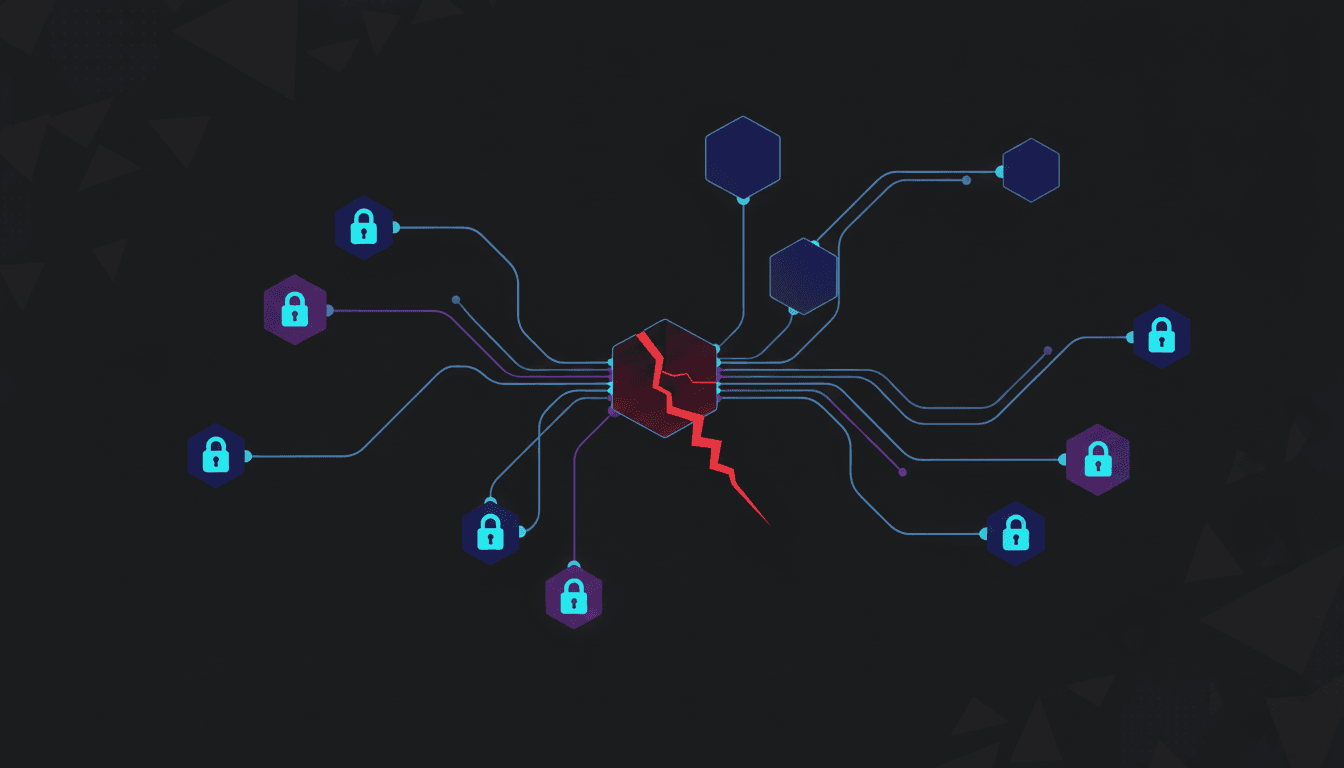
Detecting these requires reasoning about intent: what should this function allow? Who should reach this endpoint? Does user context carry through across service boundaries? Those are semantic questions, and answering them means understanding the application as a whole, not scanning file by file.
Human pentesters do this naturally. They build a mental model of how the system works, then probe the gap between that model and reality. The challenge is doing it at scale.
AI coding assistants have changed development speed. What hasn't changed is how that code gets secured.
Research across 80 coding tasks spanning four programming languages found that only 55% of AI-generated code was secure. Nearly half introduces known security flaws. Stanford research reinforces this: engineers using AI write less secure code but trust the output more. That confidence gap is where vulnerabilities slip through.
The issue isn't that AI writes bad code in obvious ways. It writes code that works. It compiles, passes tests, ships to production. The authorization check that should exist simply never gets written, because the model has no concept of your permission model or your trust boundaries.
"Vibe coding" is the informal name for this pattern: move fast, accept suggestions, ship features. The security debt accrues quietly until someone exploits the gap.
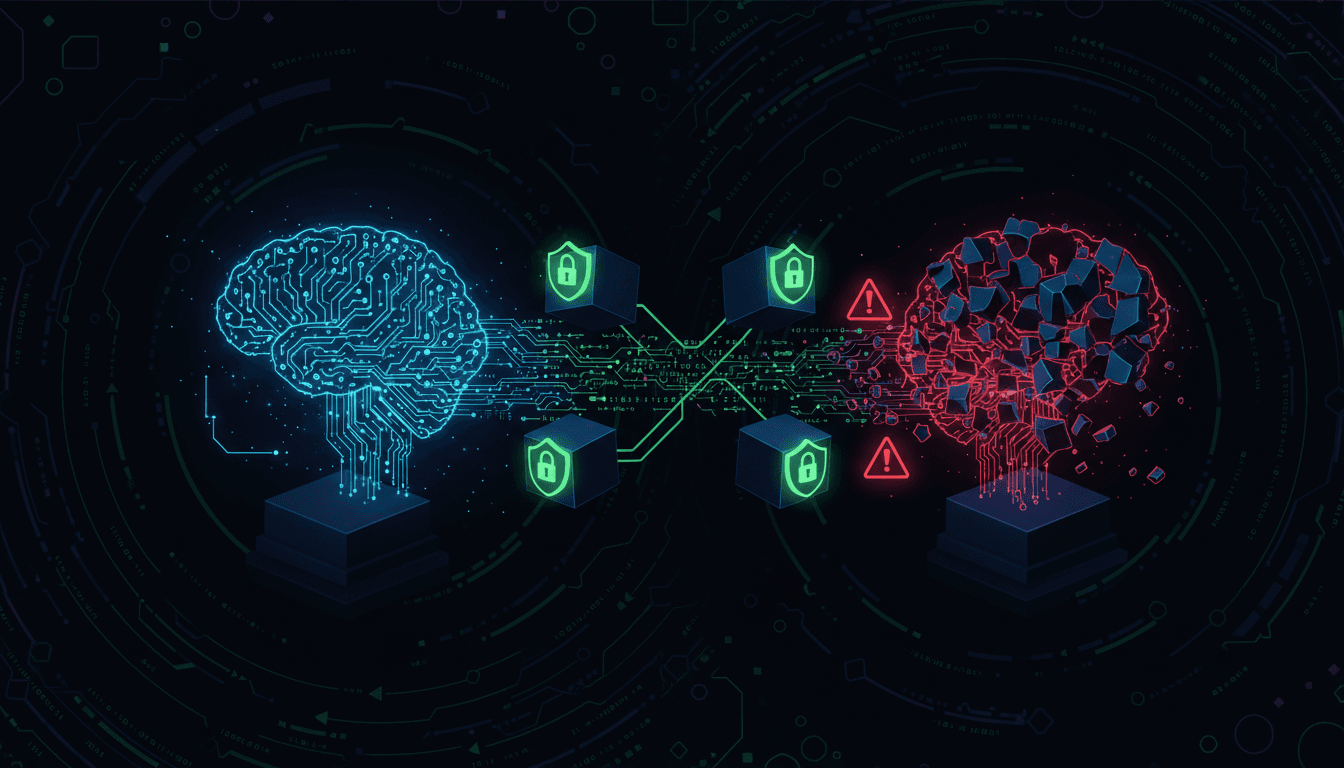
For security teams, the volume of code requiring review is growing faster than the tooling designed to review it. SAST catches the syntactic problems. The semantic ones, the missing checks and broken logic that AI generates at scale, need a different approach entirely.
GitHub's code scanning runs on CodeQL, its semantic analysis engine. Set it up through a GitHub Actions workflow and it scans every pull request automatically, posting findings directly in the PR before merge.
For public repositories, code scanning is free. Private repositories require GitHub Advanced Security, bundled into GitHub Enterprise Cloud and GitHub Enterprise Server. Pricing is per-committer, so costs scale with team size instead of repo count.
A few things worth knowing before you turn it on:
code-scanning GitHub Action can be configured to block merges on high-severity findingsCodeQL handles syntactic vulnerabilities well. Where it falls short is the same place most SAST tools do: business logic, missing authorization checks, and multi-service trust boundary issues that require reasoning across the full application instead of a single repository in isolation.
QR code scanning has become infrastructure. An estimated 102.6 million people will scan QR codes in 2026, roughly one in three Americans. Restaurants, parking meters, event tickets, payment terminals: QR codes are everywhere, and phones now handle them natively.
There are three practical ways to scan a QR code depending on your device and context:
QR codes are just links. Scanning an unknown code carries real risk: malicious QR codes can redirect to phishing pages, trigger downloads, or pre-fill payment forms. A few habits help:
For developers building QR code workflows, the security question moves to what happens after the scan: how the destination URL is validated, and what permissions the linked experience requests.
Getting code scanning to work is the easy part. Getting it to stick is harder.
A few principles that separate effective programs from abandoned ones:
Start narrow. Pick one repo, tune the rules, set a baseline. Expand after the process is working, not before.
Free tools can get you started, but they rarely get you far enough.
Open source options like Semgrep (community rules), Bandit (Python), and CodeQL (free for public repos) cover the basics. They're worth running. The gaps show up around language coverage, integration depth, false positive rates, and most critically, what vulnerability classes they can actually detect.
Commercial tools close some of those gaps with better support, broader language coverage, and tuned rule sets. But most still rely on the same pattern-matching foundations. Paying more for a faster version of the same approach does not solve the underlying limitation.
| Criteria | Open Source | Commercial SAST | AI-Native (e.g., Gecko) |
|---|---|---|---|
| Cost | Free | Per-seat licensing | Varies; free tier available |
| Language support | Varies by tool | Broad | Polyglot, including microservices |
| Business logic detection | No | Limited | Yes |
| False positive rate | High | Medium | Low |
| Setup complexity | Medium | Low-Medium | Low |
The more useful question is whether the tool you're considering can find the vulnerabilities that actually cause breaches that match no known pattern. If the answer is no, the price point does not matter much.
Broken access control and AI code security share a root cause: existing scanners read syntax without understanding application intent. Gecko approaches this differently.
Instead of AST parsing, Gecko builds a Code Property Graph using a compiler-accurate indexer that preserves semantic relationships across files, services, and repositories. The result is a model of how code actually connects beyond surface-level structure. When Gecko found CVE-2025-51479 in ONYX, it recognized a missing permission check by inferring the intended authorization model from UI patterns and related API functions. No rule matched it. Reasoning found it.
From there, Gecko automatically generates proof-of-concept exploits to confirm findings are real before surfacing them. Fewer alerts. Higher confidence. No false positive triage spiral.
You can run every static code scanning tool available and still ship broken access control, because the vulnerability isn't bad code. It's missing code. Most scanners read syntax without understanding what your application should allow, which is why broken permissions dominate breach reports while injection attacks fade. We think reasoning about intent is the only way forward. Talk to us for 30 minutes if you want to see how Gecko finds authorization flaws before they reach production.
SAST analyzes source code without running it, catching issues before deployment by scanning files directly in your codebase. DAST tests a running application by sending requests and observing responses, finding runtime flaws but missing vulnerabilities in code paths it never reaches.
Most traditional code scanning tools cannot reliably detect missing authorization checks because they pattern-match against known vulnerabilities instead of reasoning about what should exist. Detecting an absent permission check requires understanding your application's intended permission model, which semantic analysis approaches like Gecko's Code Property Graph can handle but AST-based scanners cannot.
Point your phone's native camera at the QR code. iPhone (iOS 11+) and most Android devices scan automatically without a separate app. For desktop or screenshots, upload the image to an online QR code scanner through your browser.
Research shows only 55% of AI-generated code is secure, meaning nearly half introduces known security flaws. The bigger problem is that AI writes code that compiles and passes tests while skipping critical security checks like authorization validation, creating a confidence gap where developers trust output that contains semantic vulnerabilities traditional scanners miss.
GitHub code scanning is free for public repositories. Private repositories require GitHub Advanced Security, which is bundled into GitHub Enterprise Cloud and GitHub Enterprise Server with per-committer pricing instead of per-repository costs.
Gecko Security
The latest news, technologies, and resources from our team.
How Cal.com consolidated noisy security tooling into one continuous, context-aware pull request security program with Gecko.
Gecko Security
See what actually changed in the OWASP Top 10 for 2026, from merged SSRF and XXE categories to new supply chain risks and scanner coverage gaps.

Jeevan Jutla
Gecko Security uncovered CVE-2026-21894 in August 2026, an n8n authorization bypass with CVSS 8.8. See why static tools missed it and how to remediate it.
Jeevan Jutla
Security misconfiguration is OWASP A05 for a reason. Learn how deployment context determines exploitability and how to fix gaps in August 2026.
Jeevan Jutla
How do modern AppSec vendors actually compare? This July 2026 capability map covers SAST, DAST, SCA, business logic flaws, and cross-service
Gecko Security
Break down your AppSec stack: what SAST, DAST, SCA, IAST, and pen testing each see — and what they miss. Updated July 2026 by Gecko Security.
Gecko Security
Occasional updates, new content, and insights. No spam; unsubscribe anytime.